.png)


HubSpot email marketing best practices for ecommerce

TL;DR:
- Effective email marketing requires deliberate segmentation, personalization, and automation to maximize engagement.
- HubSpot’s tools, including behavioral segmentation and AI personalization, significantly boost open rates and clicks.
- Most brands fail by neglecting ongoing optimization, list health, and strategic use of data-driven insights.
Email generates $36 to $40 for every $1 spent and is 40x more effective at acquiring customers than social media. Yet most ecommerce brands treat it like a broadcast tool rather than a precision retention engine. The gap between average and elite email programs comes down to one thing: how deliberately you apply best practices. This guide breaks down exactly how to use HubSpot’s full toolkit to drive higher engagement, reduce churn, and build the kind of customer relationships that compound over time. If you manage email for a fast-growing brand, every section here has something you can act on today.
Table of Contents
- Why HubSpot email marketing stands out for ecommerce
- 9 core HubSpot email marketing best practices
- Designing ecommerce emails that engage and convert
- Maximizing performance: Testing, optimization, and deliverability
- What most brands get wrong about HubSpot email marketing
- Ready to elevate your HubSpot email marketing?
- Frequently asked questions
Key Takeaways
| Point | Details |
|---|---|
| Leverage segmentation | Strategic audience segmentation and engagement scoring power higher open and click rates using HubSpot. |
| Focus on actionable design | Mobile-first layouts, clear calls to action, and bulletproof buttons boost ecommerce email results. |
| Test and optimize continuously | Ongoing A/B testing and deliverability monitoring are key for sustainable growth. |
| Watch the right metrics | Track clicks, CTOR, and revenue per send for a true performance picture instead of relying on open rates alone. |
Why HubSpot email marketing stands out for ecommerce
Not all email platforms are built the same, and for ecommerce brands scaling fast, the difference is significant. HubSpot was designed to connect marketing, sales, and service data in one place. That unified data model is what makes it genuinely powerful for retention marketing, not just sending newsletters.
Here is what separates HubSpot from generic email tools for ecommerce:
- Behavioral segmentation at scale: HubSpot lets you build dynamic lists based on purchase history, browse behavior, email engagement, and lifecycle stage. You are not guessing who to target.
- Predictive send-time optimization: Instead of blasting your list at 10 a.m. on Tuesday because someone read a blog post about it, HubSpot uses machine learning to send each contact at their personal peak engagement window.
- Engagement scoring: HubSpot targets recipients based on engagement scores to improve open and click rates. This means your most engaged subscribers get more, and your cold contacts get re-engagement sequences before they hurt deliverability.
- Lifecycle automation: From welcome flows to win-back campaigns, HubSpot’s workflow builder lets you map the full customer journey and trigger the right message at the right moment.
- AI-powered personalization: Dynamic content blocks that change based on who is reading the email are no longer a nice-to-have. They are table stakes for brands competing for inbox attention.
The numbers back this up. Segmentation with HubSpot can boost open rates by 30% and clicks by 50%. That is not a marginal improvement. That is the difference between a campaign that pays for itself and one that does not. Pairing these capabilities with AI email engagement tools takes the guesswork out of personalization at scale.
| Feature | Generic ESP | HubSpot |
|---|---|---|
| Behavioral segmentation | Limited | Advanced, real-time |
| Engagement scoring | Rarely available | Built-in |
| Predictive send time | No | Yes |
| CRM-connected data | No | Native integration |
| AI personalization | Basic | Dynamic content blocks |
For brands running eight-figure revenue, these are not optional features. They are the foundation of a retention program that actually scales.
9 core HubSpot email marketing best practices
Knowing HubSpot’s strengths is one thing. Executing on them is another. A high-performing HubSpot strategy follows nine sequential steps: defining goals, building lists, segmenting, personalizing, automating, A/B testing, analyzing, complying with regulations, and iterating. Here is how to apply each one.
- Define campaign goals first. Every email should have one measurable objective. Revenue per recipient, click-to-open rate, or repeat purchase rate. Vague goals produce vague results.
- Build your list with intent. Use opt-in forms, pop-ups, and checkout flows to capture subscribers who actually want to hear from you. Bought lists destroy deliverability.
- Segment before you send. Group contacts by purchase frequency, product category interest, or lifecycle stage. Batch-and-blast is dead.
- Personalize every touchpoint. Personalized emails are rated important by 93% of marketers, and for good reason. First name is the floor, not the ceiling. Use product recommendations, location, and past behavior.
- Automate the high-value flows. Welcome series, abandoned cart, post-purchase, and win-back sequences should run without you touching them. Set them up once and optimize continuously.
- A/B test everything. Subject lines, send times, CTA copy, email length, button color. Use A/B testing essentials to build a testing culture, not just a testing habit. Brands that increase revenue with A/B testing do it systematically, not sporadically.
- Analyze the right metrics. Open rate is a vanity metric post-iOS 15. Focus on CTR, CTOR, and revenue per email sent.
- Stay compliant. CAN-SPAM, GDPR, and CASL are not optional. Honor unsubscribes within 10 business days and always include a physical address.
- Iterate based on data. Monthly performance reviews should feed directly into your next campaign plan.
Pro Tip: Map your automation flows to the customer lifecycle before building them in HubSpot. Knowing whether a contact is a first-time buyer, a repeat customer, or a lapsed subscriber changes everything about the message they should receive.
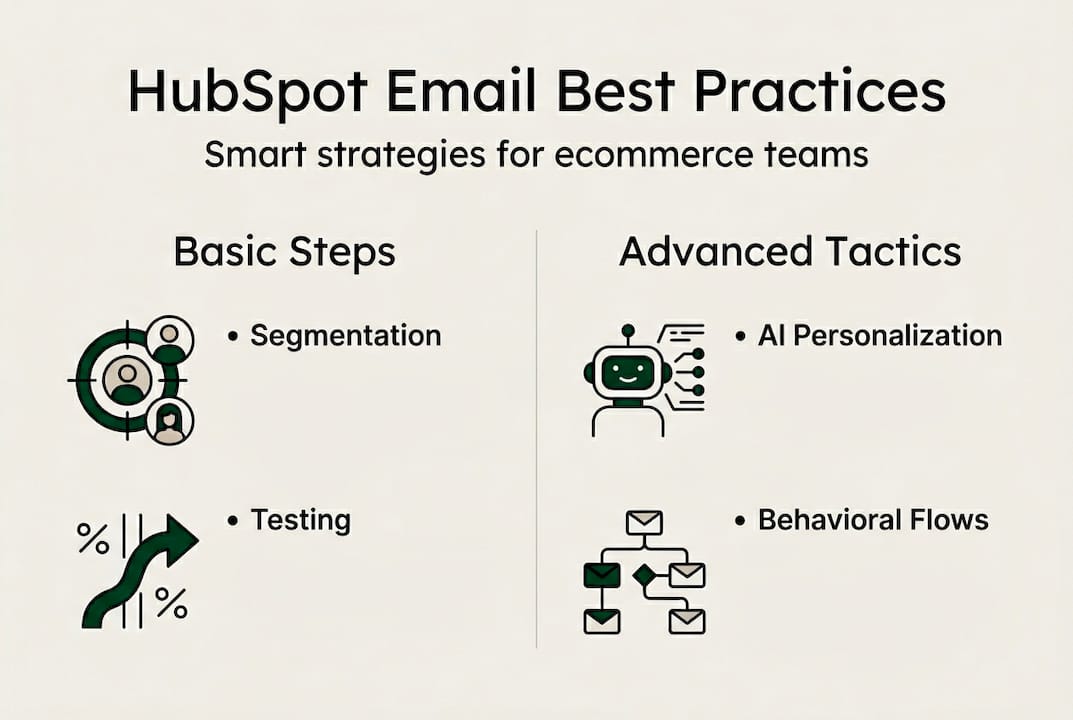
| Practice | Beginner approach | Advanced approach |
|---|---|---|
| Segmentation | By list source | By behavior and lifecycle stage |
| Personalization | First name only | Product recs and dynamic content |
| Testing | Occasional subject line test | Systematic multivariate testing |
| Analysis | Open rate focus | CTR, CTOR, revenue per recipient |
Designing ecommerce emails that engage and convert
Great strategy only works if the email itself earns attention. Design and content are where many brands leave serious revenue on the table. Every element from the subject line to the footer affects whether a subscriber clicks or ignores.
Here are the email design best practices that matter most for ecommerce:
- Subject lines in the first 25 characters. Most mobile inboxes cut off subject lines early. Put your hook at the front, not the end. “50% off ends tonight” beats “Don’t miss our sale.”
- Meaningful from names. Subscribers open emails from people and brands they recognize. Use a consistent sender name that matches your brand identity. “Sarah from BrandName” often outperforms just “BrandName.”
- Short, skimmable paragraphs. Three sentences maximum per paragraph. Subscribers scan before they read. Make it easy to find the point fast.
- Bulletproof buttons. HTML-coded CTA buttons render on every device and email client, unlike image-based buttons that disappear when images are blocked. Make them thumb-friendly: at least 44px tall.
- Mobile-first design. Over 60% of ecommerce emails are opened on mobile. Single-column layouts, large fonts, and generous white space are not optional.
Pro Tip: Test your emails in at least three email clients before sending. Gmail, Apple Mail, and Outlook render differently. What looks polished in one can break in another.
Two edge cases that brands consistently overlook: avoid image-only emails and always include descriptive alt tags. When images are blocked, alt text is the only content a subscriber sees. On deliverability, keep unsubscribes under 0.3% and bounces under 0.25%. Breaching these thresholds signals to inbox providers that your list is unhealthy, and your sender reputation takes the hit.

For deeper guidance, review ecommerce design best practices, explore email design tips that convert, and brush up on email design basics if your team is newer to the craft.
Maximizing performance: Testing, optimization, and deliverability
Effective design and content get you in the door. Continuous optimization keeps you there. The brands that consistently outperform their benchmarks are the ones treating every send as a data point, not just a campaign.
Here is a practical optimization sequence to follow:
- Shift your primary metrics. Post-iOS 15, open rates are inflated by Apple’s Mail Privacy Protection. CTR, CTOR, and revenue per recipient tell the real story of engagement and profitability.
- Run A/B tests on workflow triggers. Do not just test subject lines. Test the timing of your abandoned cart email. Test whether a two-email or three-email win-back sequence converts better.
- Prune your list with engagement scoring. Contacts who have not opened or clicked in 90 days are hurting your deliverability. Run a re-engagement flow, and if they still do not respond, suppress them.
- Benchmark against industry data. The average ecommerce open rate is 38.58% with a CTR of 1.34%. If you are below these numbers, something in your list health or content strategy needs attention.
“The brands winning at email in 2026 are not the ones sending the most emails. They are the ones sending the most relevant emails to the most engaged segments.”
| Metric | Industry benchmark | Action if below benchmark |
|---|---|---|
| Open rate | 38.58% | Review subject lines and sender reputation |
| CTR | 1.34% | Improve CTA clarity and content relevance |
| Unsubscribe rate | Under 0.3% | Audit send frequency and segmentation |
| Bounce rate | Under 0.25% | Clean list and verify email addresses |
For a full breakdown of how to protect and improve your sender reputation, the guide on improving deliverability is worth bookmarking.
What most brands get wrong about HubSpot email marketing
Here is the uncomfortable truth: most ecommerce brands set up HubSpot, turn on a few automations, and call it done. They treat the platform like a set-and-forget machine. It is not. The brands that generate the highest ROI from HubSpot are the ones treating it like a living system that needs constant feeding with better data, better segments, and better creative.
The biggest mistake we see is obsessing over open rates after iOS 15 changed everything. Clicks and revenue, not opens, are the metrics that actually predict business outcomes. Brands chasing inflated open rate numbers are optimizing for a vanity metric while real engagement quietly declines.
The second mistake is underinvesting in list health. Deliverability is not a technical problem. It is a strategic one. Sending to unengaged contacts because you want a bigger reach is a short-term thinking trap that tanks long-term performance.
The brands that win use the full toolkit: segmentation, AI personalization, systematic testing, and genuine curiosity about what their audience actually responds to. Stay current with email marketing trends to keep your strategy sharp as the channel evolves.
Ready to elevate your HubSpot email marketing?
If you are ready to see these best practices in action, The Email Marketers builds the kind of retention programs that turn HubSpot into a genuine revenue engine. We have done it for 8-figure DTC brands and VC-backed retailers who needed more than a pretty template. Our real client successes show what strategic execution actually looks like in practice. Whether you need a full retention strategy or want to start with a proven framework, the Retention Lab toolkit and Retention Toolkit give your team the structure to execute with confidence. Let’s build something that compounds.
Frequently asked questions
How does HubSpot improve email marketing ROI compared to other platforms?
HubSpot’s built-in CRM, engagement scoring, and AI personalization allow ecommerce brands to send highly targeted emails that drive stronger results. Segmentation alone can boost open rates by 30% and clicks by 50%, which generic platforms simply cannot match.
What is a healthy open and click rate for ecommerce emails in 2026?
For retail and ecommerce, the average open rate is 38.58% and the average CTR is 1.34%. Use these as your baseline and focus on CTOR and revenue per recipient for a clearer picture of real engagement.
What are the top design mistakes in HubSpot ecommerce emails?
The most common errors are image-only email layouts, missing alt tags, and ignoring mobile optimization. Always test across devices and email clients before sending to your full list.
How can HubSpot help reduce unsubscribes and improve deliverability?
Use HubSpot’s engagement scoring to suppress unengaged contacts before they damage your sender reputation. Keep unsubscribes under 0.3% and bounces under 0.25% to maintain strong inbox placement.


